



Description
Download Bopup Messenger – secure messaging, corporate communication, instant messaging, self-hosted, Android app, Bopup Messenger
Overview
Bopup Messenger is a desktop and mobile software solution designed for secure, real-time communication within corporate environments. The application enables teams to exchange messages, share files, and collaborate efficiently while maintaining data privacy through self-hosted deployment. It is particularly suited for organizations that prioritize control over their communication infrastructure and require secure messaging without relying on third-party cloud services. The software targets professionals in business, IT, and administrative roles who need a reliable internal communication tool.
Developed by B Labs, the application is part of the broader Bopup suite, which emphasizes secure and scalable messaging systems. While the desktop version supports full functionality, the Android variant offers mobile access, allowing users to stay connected across devices. The software is designed for internal use, with no public-facing features, making it ideal for private networks and enterprise environments.
Real-world use cases include secure team coordination in offices, remote workforce communication, and sensitive project collaboration. The self-hosted model ensures that all data remains under organizational control, minimizing exposure to external risks. The app supports multiple languages, including English, Spanish, and Russian, enhancing accessibility for international teams.
Key Features & Capabilities
- Self-hosted messaging server – Allows organizations to install and manage the messaging server on their own infrastructure, ensuring full data ownership and compliance with internal policies.
- End-to-end encryption – Messages are encrypted during transmission and storage, protecting sensitive information from unauthorized access.
- Instant messaging with read receipts – Users receive confirmation when messages are delivered and read, improving communication reliability.
- File transfer capabilities – Enables secure sharing of documents and media within the network without relying on external platforms.
- Multi-language support – Available in English, Spanish, and Russian, supporting diverse teams across regions.
- Mobile access via Android app – Extends functionality to mobile devices, allowing users to stay connected on the go.
These features support seamless internal communication in environments where data security and compliance are critical. For example, a finance department can use the tool to discuss sensitive reports without exposing data to public servers. Similarly, IT teams can coordinate system updates securely across departments. The ability to self-host ensures that organizations can meet regulatory standards and avoid dependency on external providers.
User Interface, Workflow & Performance
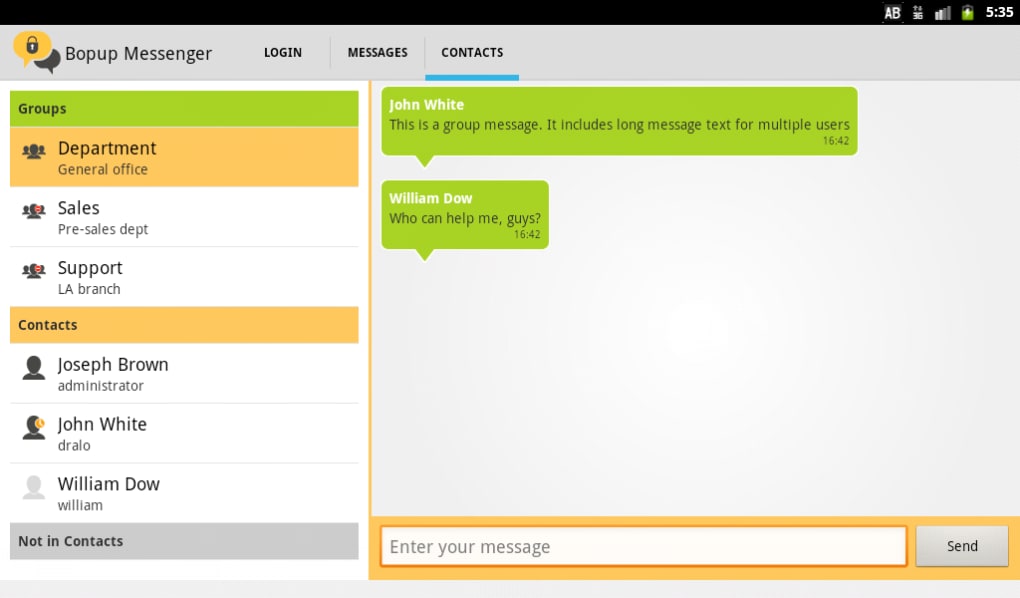
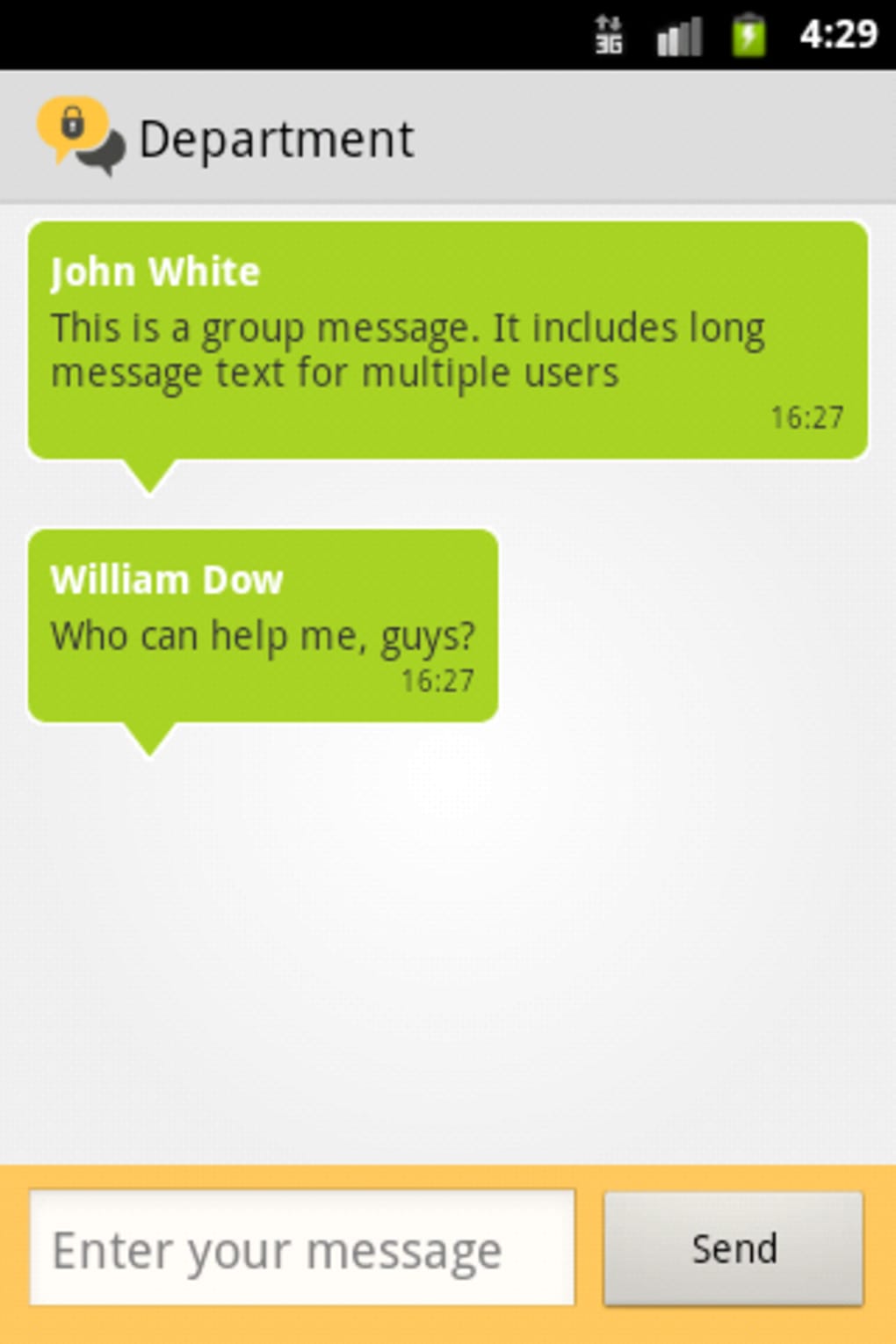
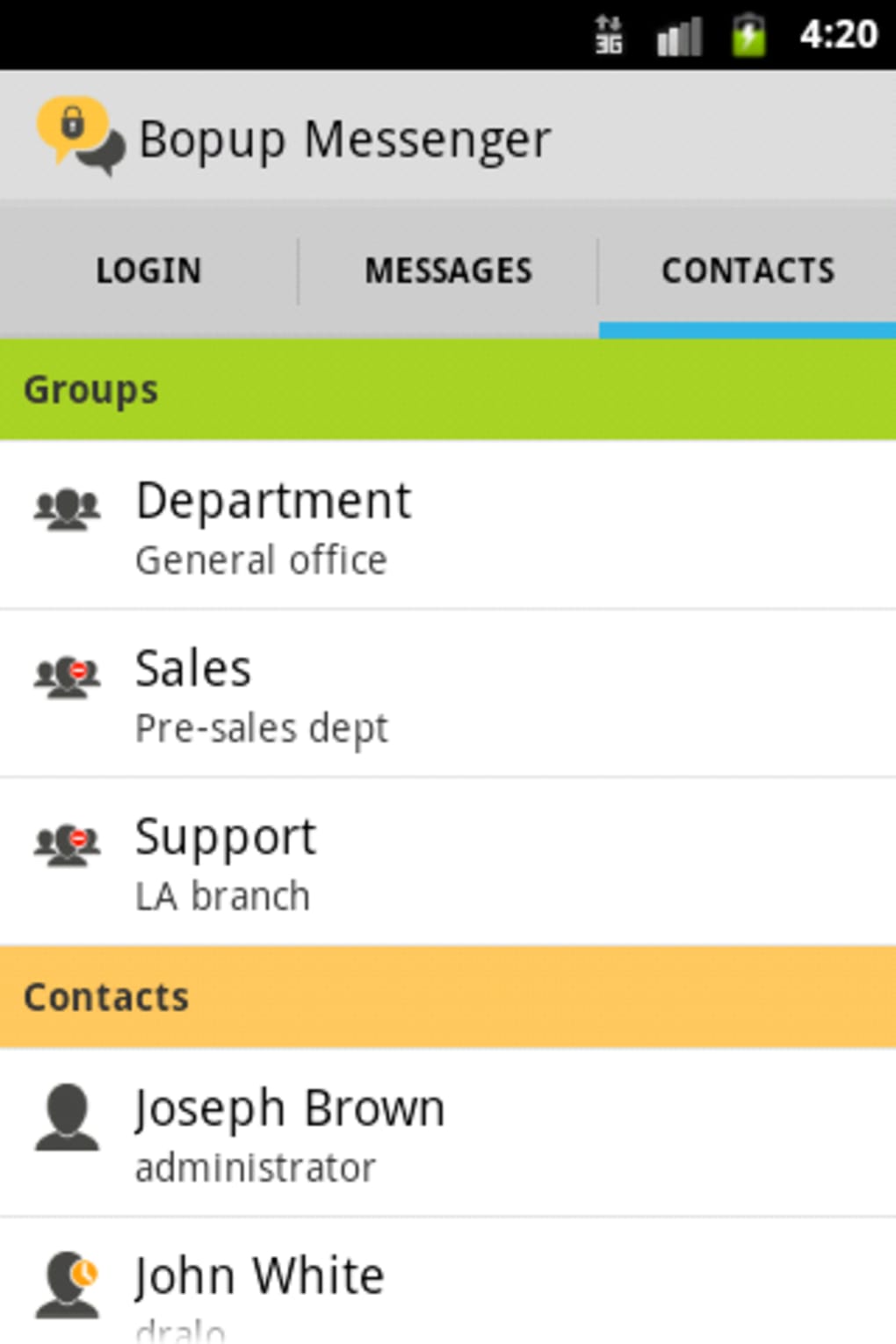
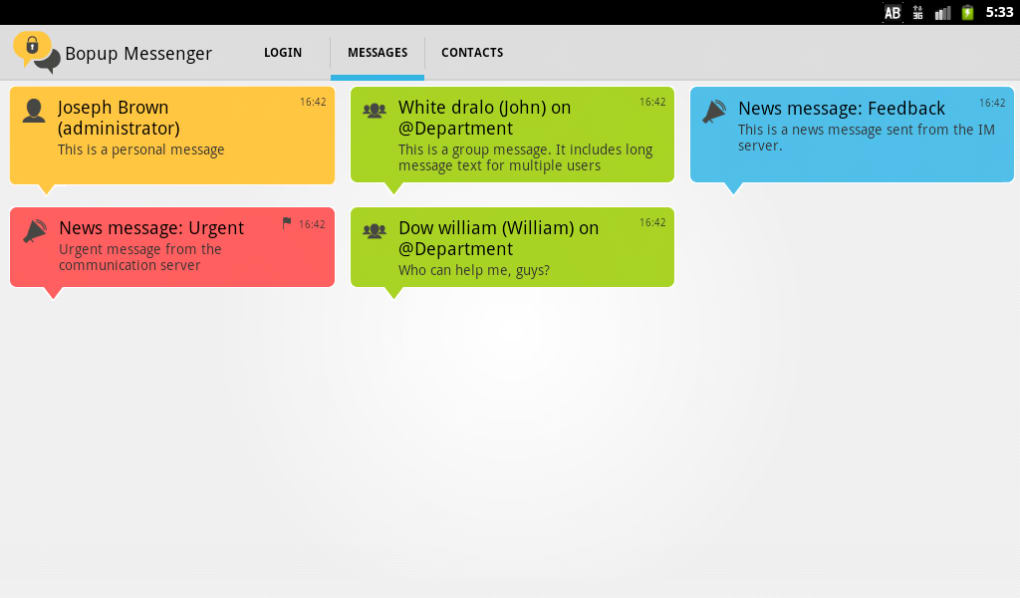
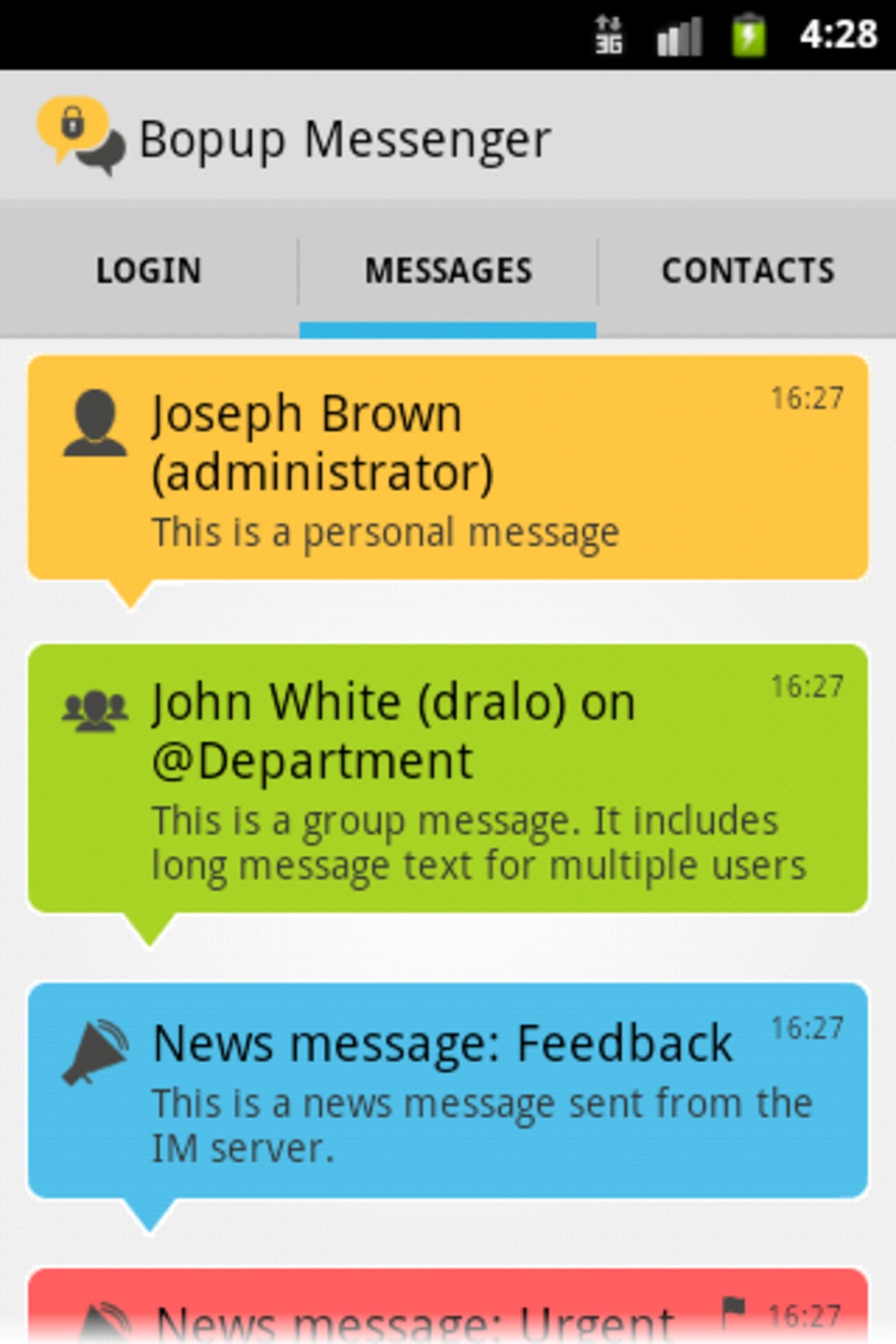
The user interface of Bopup Messenger is designed with simplicity and functionality in mind. The layout features a clean sidebar for contact lists, a central chat window, and a message input bar, enabling intuitive navigation. Users can quickly switch between conversations, access settings, and manage file transfers with minimal clicks.
Workflow efficiency is enhanced by features such as message history retention, quick reply options, and presence indicators showing user availability. The interface adapts to different screen sizes, providing a consistent experience across devices. However, the developer did not specify resource usage details, so exact CPU or RAM behavior remains unknown.
Performance observations are based on general software behavior patterns. The application is described as lightweight, which suggests low system impact during operation. Stability is expected to be high, given the focus on internal enterprise use. The developer did not provide information on update frequency or crash rates, so real-world reliability metrics are not available.
Compatibility & System Requirements
Bopup Messenger is available for Android devices running version 2.3 or higher. This ensures broad compatibility with older and newer Android hardware, supporting a wide range of mobile devices. The application has a file size of 842 KB, making it a lightweight download suitable for devices with limited storage capacity.
For the desktop version, compatibility details were not provided. The developer did not specify supported operating systems beyond Android. Exact system requirements were not listed, so users should exercise caution when deploying on systems with constrained resources. Installation is straightforward, requiring only a single APK file, which can be downloaded directly.
Pros and Cons
Pros
- Self-hosted deployment ensures complete data control and privacy.
- End-to-end encryption enhances security for sensitive communications.
- Lightweight design with minimal storage footprint.
- Multi-language support improves accessibility for global teams.
- Mobile access via Android app enables on-the-go communication.
- Free to download and use, with no licensing fees.
Cons
- Version 1.0.13 was released in 2016, indicating limited recent updates.
- Desktop version compatibility and system requirements were not specified.
- Limited public information about server setup and technical documentation.
- Android version may not support newer OS features or security patches.
- No visible user feedback or community support channels listed.
FAQ Section
Is Bopup Messenger compatible with iOS devices?
The developer did not provide information about iOS compatibility. The available Android version is designed for Android 2.3 and higher, but no official iOS app has been mentioned.
Is the software secure for corporate use?
Bopup Messenger offers end-to-end encryption and self-hosted deployment, which are key factors for secure corporate communication. The ability to host the server internally ensures that sensitive data remains under organizational control.
How often is the software updated?
The current version, 1.0.13, was released on August 11, 2016. No recent update information has been provided by the developer.
Can I use Bopup Messenger offline?
The application is designed for network-based communication. While message history may be stored locally, full functionality requires an active connection to the self-hosted server.
Is there a license fee for using Bopup Messenger?
The software is free to download and use. No pricing details were provided for premium features or enterprise editions.
Final Thoughts
Bopup Messenger presents a viable option for organizations seeking secure, self-hosted communication tools. Its focus on data privacy, end-to-end encryption, and internal deployment makes it suitable for businesses with strict compliance needs. The lightweight Android app ensures accessibility across a range of devices, and the free availability lowers the barrier to entry.
However, the lack of recent updates and limited public documentation may raise concerns about long-term support and security. The absence of desktop compatibility details and modern OS support could hinder adoption in newer environments. Despite these limitations, the core functionality remains relevant for teams prioritizing control over their messaging infrastructure.
For professionals in regulated industries or those managing internal teams, Bopup Messenger offers a solid foundation for secure collaboration. Download Bopup Messenger now to explore its capabilities in a private, self-managed environment.
Guides & Tutorials for Bopup Messenger Self hosted corporate and secure
How to install Bopup Messenger Self hosted corporate and secure
- Click the Preview / Download button above.
- Once redirected, accept the terms and click Install.
- Wait for the Bopup Messenger Self hosted corporate and secure download to finish on your device.
How to use Bopup Messenger Self hosted corporate and secure
This software is primarily used for its core features described above. Open the app after installation to explore its capabilities.
User Reviews for Bopup Messenger Self hosted corporate and secure 0
No reviews found





